A VoIP phone system routes calls over your firm's internet connection instead of copper phone lines. Done right, it combines business calling, messaging, voicemail, and conferencing into one platform that follows attorneys wherever they work.
This guide covers what these systems actually do, the features that matter for legal practices, security and confidentiality requirements, network prerequisites, and a practical rollout checklist.
Key Takeaways
- Keep one business number across remote and hybrid work so clients always reach the firm
- Match VoIP to internet reliability, call volume, and your practice management stack
- Vet how providers store, protect, and back up client communications before you sign
- Test call flows, number porting, and failover with real users before full rollout
What a VoIP Phone System Is and How It Works
VoIP (Voice over Internet Protocol) converts voice into digital data that travels over the internet rather than traditional phone lines. The FCC defines it as voice transported over broadband, with calls to regular numbers converted back to a standard telephone signal at the destination.
A few related terms firms encounter:
- Hosted PBX / Cloud PBX — a managed service supplies PBX functionality without on-site hardware
- Virtual phone system — general term for cloud-delivered calling
- UCaaS — bundles voice with messaging, video, and collaboration tools in one platform
The Basic Setup
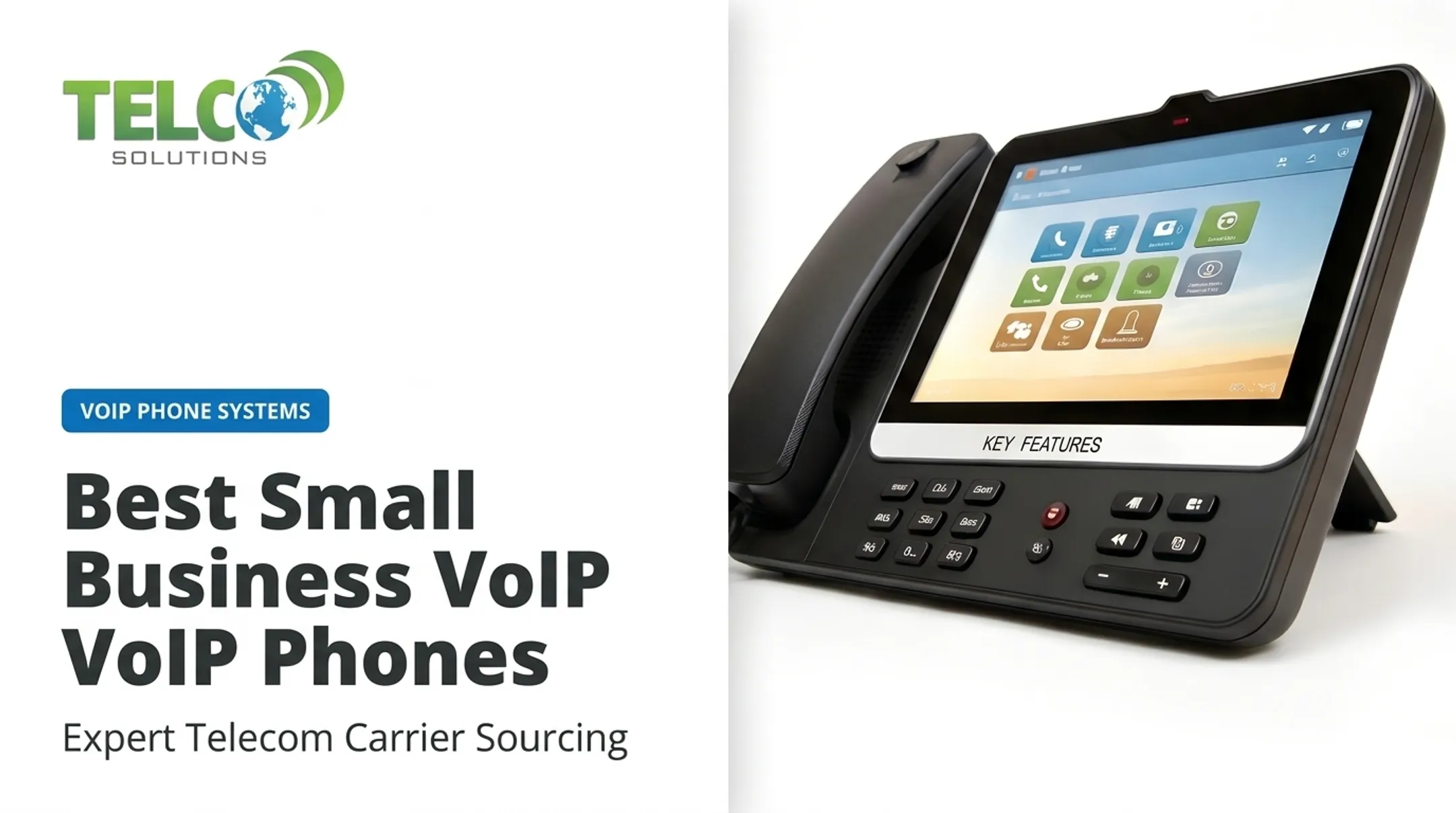
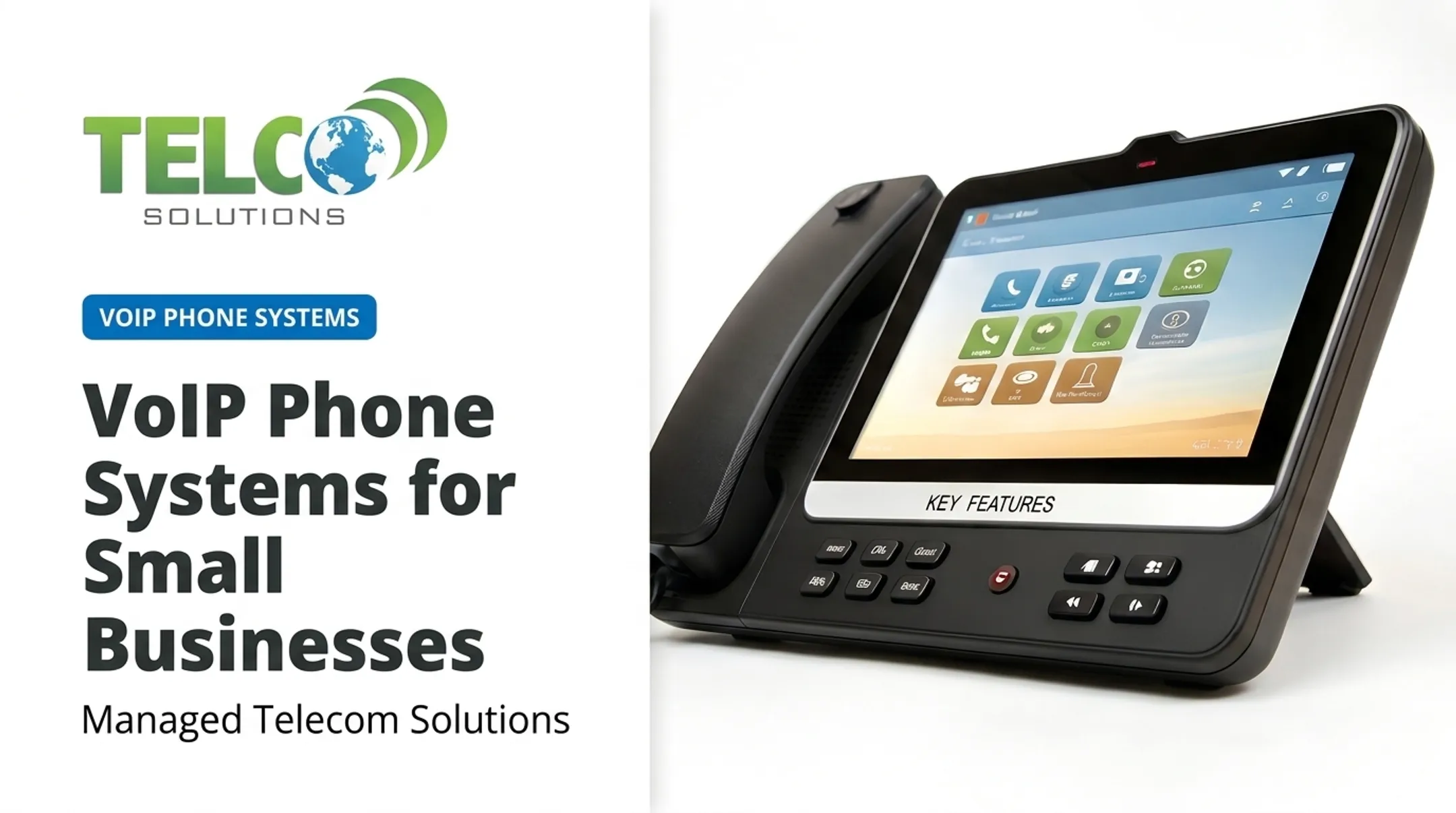
A typical cloud phone deployment has three parts: a VoIP provider, your internet connection, and endpoints: IP desk phones, computer softphones, or smartphone apps. An attorney can start a call on a desk phone, switch to a mobile app en route to court, and later pull up the recording and transcript on a laptop.
Cloud vs. Traditional PBX
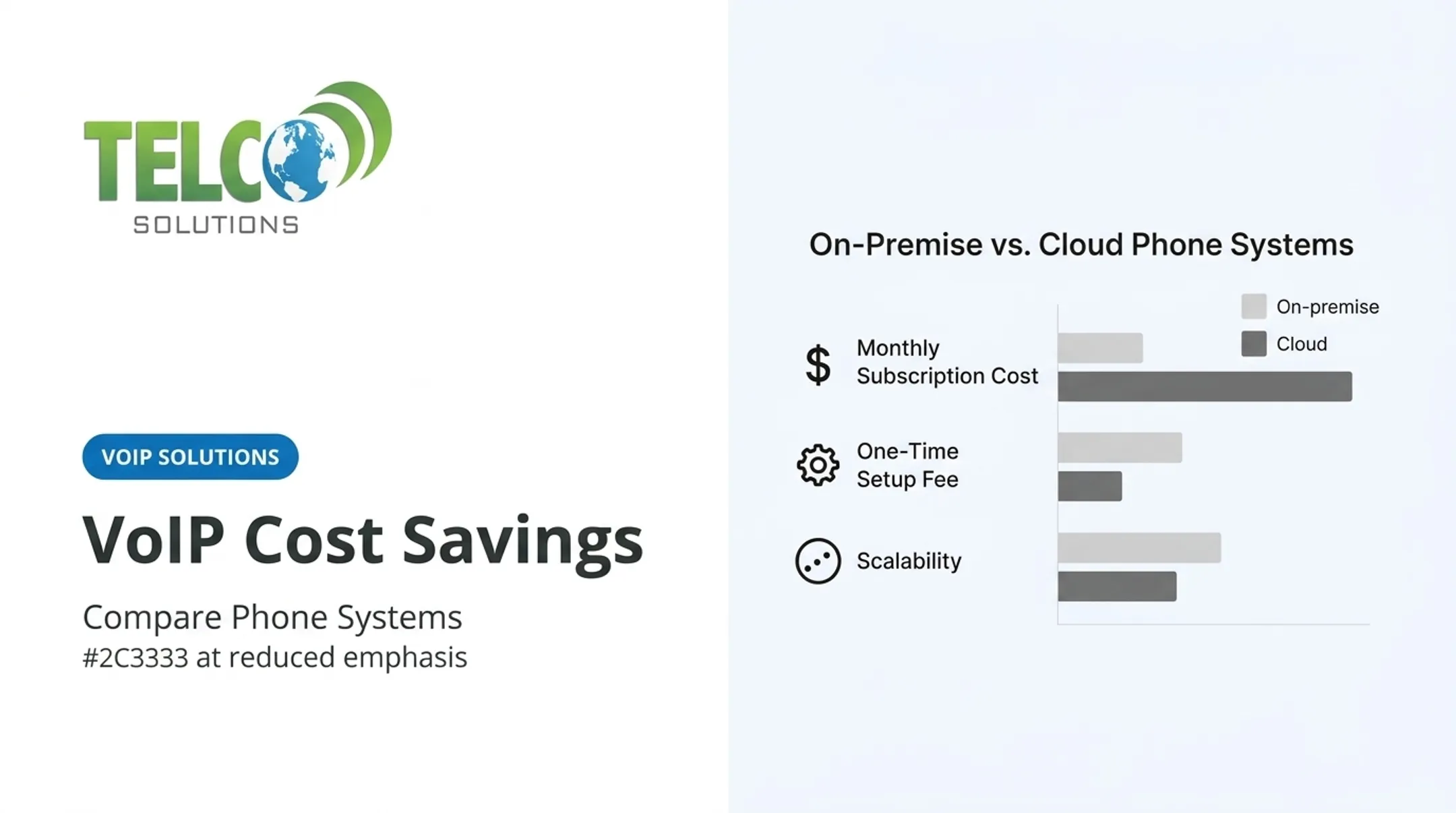
| Factor | Traditional PBX | Cloud Phone System |
|---|---|---|
| Hardware | On-premises, firm-owned | Managed by provider |
| Maintenance | Requires IT staff, manual updates | Handled by provider |
| Mobility | Tied to physical office | Works anywhere with internet |
| Feature updates | Manual, often costly | Automatic |

A cloud phone system still needs dependable internet, secured devices, and a contingency plan. When a Philadelphia law firm's hosted PBX stayed online through a storm-related power outage, it was because the system ran through geographically redundant data centers, not because "cloud" is magically resilient.
That redundancy has to be built in, not assumed.
Why Law Firms Are Switching to VoIP
Legal cloud adoption has climbed steadily: roughly 75% of attorneys reported using cloud computing in 2024, up from 69% the year before. Adoption skews heavily by firm size: about 65% for solo practitioners versus more than 94% at firms with 50-99 lawyers. Remote work is a bigger driver than most firms realize. A 2022 ABA survey found 87% of workplaces allowed remote work for lawyers, with roughly 30% working from home almost all the time.
What This Looks Like Day-to-Day
- An attorney working from home can take client calls on the office number through a laptop or mobile app. Clients never know they're not at the desk
- Find Me/Follow Me routing rings a desk phone, mobile app, and home line simultaneously (or in sequence)
- An associate at the courthouse gets full communication access without exposing a personal cell number
- Adding a new paralegal at a second office becomes a software update, not a hardware install
Where the Real Value Is
- Professional first impression: auto-attendants and personalized greetings replace ad-hoc call handling
- Integration with case management: Clio and PracticePanther integrations can log call times and pop up client files when someone calls in
- Scalability: lines get added or removed on a subscription basis, without a new PBX
- Continuity: cloud routing and call forwarding keep the firm reachable during office closures Not every firm saves money by switching. Compare total cost of ownership (including hardware, porting, taxes, and support) rather than assuming lower monthly bills across the board. The ABA's own data offers a useful counterpoint: among firms not adopting cloud tools, about 53% cited confidentiality concerns and 41% cited lack of data control. Those concerns are legitimate, and a thorough vetting process should address both.

Essential VoIP Features for Law Firms
Not every feature matters equally. Here's what to actually evaluate.
Calling and Client Intake
- Auto-attendant menus — short, clear routing so callers reach the right person fast
- Call queues and hunt groups — manage high call volume without dropped calls
- Voicemail-to-email with transcription — searchable, forwardable messages
- After-hours routing — customizable for holidays, lunch breaks, emergencies
Mobility and Collaboration
- Mobile and desktop apps — keep business calls separate from personal numbers
- Softphones, presence, and messaging — coordinate without desk-phone lock-in
- Multi-office flexibility — support court schedules and remote attorneys
Client Experience and Analytics
Call analytics matter more than firms expect. Unanswered calls, wait times, and abandoned-call rates show whether intake converts callers or loses leads before a consultation is booked.
Documentation and Integration
- Call logs, recordings, and click-to-call — boost productivity, with confidentiality and storage rules attached
- Integration compatibility — check case-management software (Clio, MyCase), CRM, email, and calendar before committing
- Technical admin features — number porting, role-based permissions, SSO, and multi-factor authentication
One integration detail worth knowing: connecting VoIP to your CRM or case-management platform can automatically log call details, cutting duplicate data entry for attorneys and paralegals alike.
How to Choose and Implement a VoIP Phone System
Start With a Needs Assessment
Before you talk to any vendor, document who needs a line, which attorneys and staff get direct numbers or extensions, call volume, after-hours intake coverage, and the pain points driving the switch.
Validate the Network First
Bandwidth requirements aren't as simple as "check your internet speed." Cisco's engineering guidance notes that actual bandwidth per call depends on codec, packetization, and protocol overhead — not just the advertised codec bit rate.
Practical network checks:
- Size bandwidth for concurrent calls plus everyday traffic—not a single speed-test number
- Use a business-grade router with Quality of Service (QoS) so voice stays ahead of other traffic
- Put modems and routers on an uninterruptible power supply for short outages
- Confirm remote and home-office links can hold stable upload during hearings, client calls, and video
Compare Vendors on Total Cost, Not Just Sticker Price
- List every add-on — porting, recording, transcription, and taxes often add 5–20% to the advertised rate
- Confirm who owns the numbers and data, and how you export them if you change providers
- Request uptime and incident-response documentation, and favor SLAs that guarantee at least 99.99% uptime

Vet Confidentiality Handling
Client confidentiality is non-negotiable, so treat storage and access as diligence items—not brochure claims.
- Ask where voicemail, recordings, and transcripts are stored and who can access them
- Review encryption, breach notification, and backup practices
- Have your firm’s compliance advisers confirm the setup meets your obligations; cloud hosting alone does not equal compliance
Plan a Controlled Rollout
- Build call trees, greetings, and emergency routing before launch
- Port numbers only after you confirm account ownership and have a fallback path
- Pilot with a mix of attorneys and staff, and test inbound calls, transfers, voicemail, mobile apps, and fax
Firms without dedicated IT often need help turning that plan into a clean cutover. TelcoSolutions, a telecom consultancy based in Decatur, Georgia, works through a network of 300+ providers to help firms evaluate VoIP, internet, and connectivity options.
The team focuses on transparent recommendations, number porting, system design, and ongoing service—without promising a compliance outcome the underlying provider does not control.
Security and Business Continuity Checklist
VoIP isn't automatically secure just because it's cloud-based. For law firms, configuration and provider practices determine whether client communications stay confidential.
Technical Controls to Require
- Encryption in transit (TLS/SRTP) and at rest where applicable
- Multi-factor authentication and least-privilege administrative access
- Network segmentation and regular endpoint updates
- Fraud monitoring and strong account-recovery procedures
NIST's guidance on VoIP security recommends treating voice and data traffic separately where feasible, alongside firewalls and intrusion detection tuned for voice protocols.
Legal-Specific Policy Questions
- Is call recording permitted in your jurisdiction, and how is consent obtained?
- How long are communications retained, and who can access them?
- How are litigation holds applied to voicemails and transcripts?
- What happens to client data when a matter closes or you switch providers?
ABA guidance on recording makes jurisdiction and disclosure decisive: nonconsensual recording isn't automatically an ethics violation, but violating an all-party-consent state's law is. Informing clients before recording is almost always the safer path.
Continuity Planning
- Backup power and secondary internet connections for outages
- Automatic call forwarding to mobile numbers or a secondary office during disruptions
- Regular failover tests, not an untested policy on paper
- Staff training on offline contact procedures
Frequently Asked Questions
What software do most law firms use?
Software choices vary by firm size and practice area. Most firms rely on practice management, document management, billing, calendaring, CRM or intake tools, and secure client portals—and VoIP works best when it integrates with that stack.
What are the best cloud services for law firms?
Choose cloud tools by function, security controls, and fit with your existing stack. A cloud VoIP platform should sit alongside practice-management and collaboration software, not replace it.
What is a CRM system in law?
A legal CRM organizes prospective-client and client relationships, intake activity, and follow-up communications. VoIP integrations can automatically log calls or surface caller details within the CRM.
Is VoIP secure for a law firm?
Yes—when the provider and your firm configure it correctly. Prioritize encryption, strong access controls, and recording/retention rules that protect attorney-client confidentiality; security also depends on your network, devices, and internal policies.
How much does a VoIP phone system cost for a law firm?
Cost depends on user count, calling plans, hardware, integrations, number porting, and support level. Request a current itemized quote; advertised per-user rates rarely reflect the full total.