Introduction
If your business phone system still runs on a physical PBX box in a closet, you've probably already asked the question: is it time to switch to VoIP?
The decision matters more than call quality alone. It affects your monthly telecom costs, how well your team works remotely, customer experience, security, and how much hassle it takes to add a new hire or open a second location.
Among businesses shopping for new phone service, 36% now choose VoIP, compared with just 24% sticking with traditional landlines (Plain Old Telephone Service). That gap keeps widening as internet infrastructure improves.
But VoIP isn't automatically right for everyone. The best choice depends on your internet reliability, growth plans, current equipment, call volume, and emergency communication needs. Let's break down both options honestly.
Key Takeaways
- VoIP sends calls over your internet link and beats landlines on flexibility, scale, and software integrations
- Keep landlines where broadband is weak or power resilience is mission-critical
- Judge total cost of ownership—not the monthly rate alone—including hardware, backup power, and install
- Use a hybrid setup for VoIP day-to-day calling plus a landline fallback during outages
- Vet providers on number porting, E911, security, and support before you sign
VoIP vs. Landline: Quick Comparison
| Factor | VoIP | Landline |
|---|---|---|
| Cost | Lower per-line/long-distance costs; internet & backup power add expense | Higher upfront hardware, but predictable per-line billing |
| Mobility | Works anywhere with internet | Tied to the physical desk phone |
| Scaling | Add users through a portal in minutes | Requires new wiring and technician visits |
| Features | CRM integration, analytics, auto-attendants | Caller ID, call waiting, basic voicemail |
| Emergency calling | Requires E911 address configuration | Automatically tied to service address |
Cost
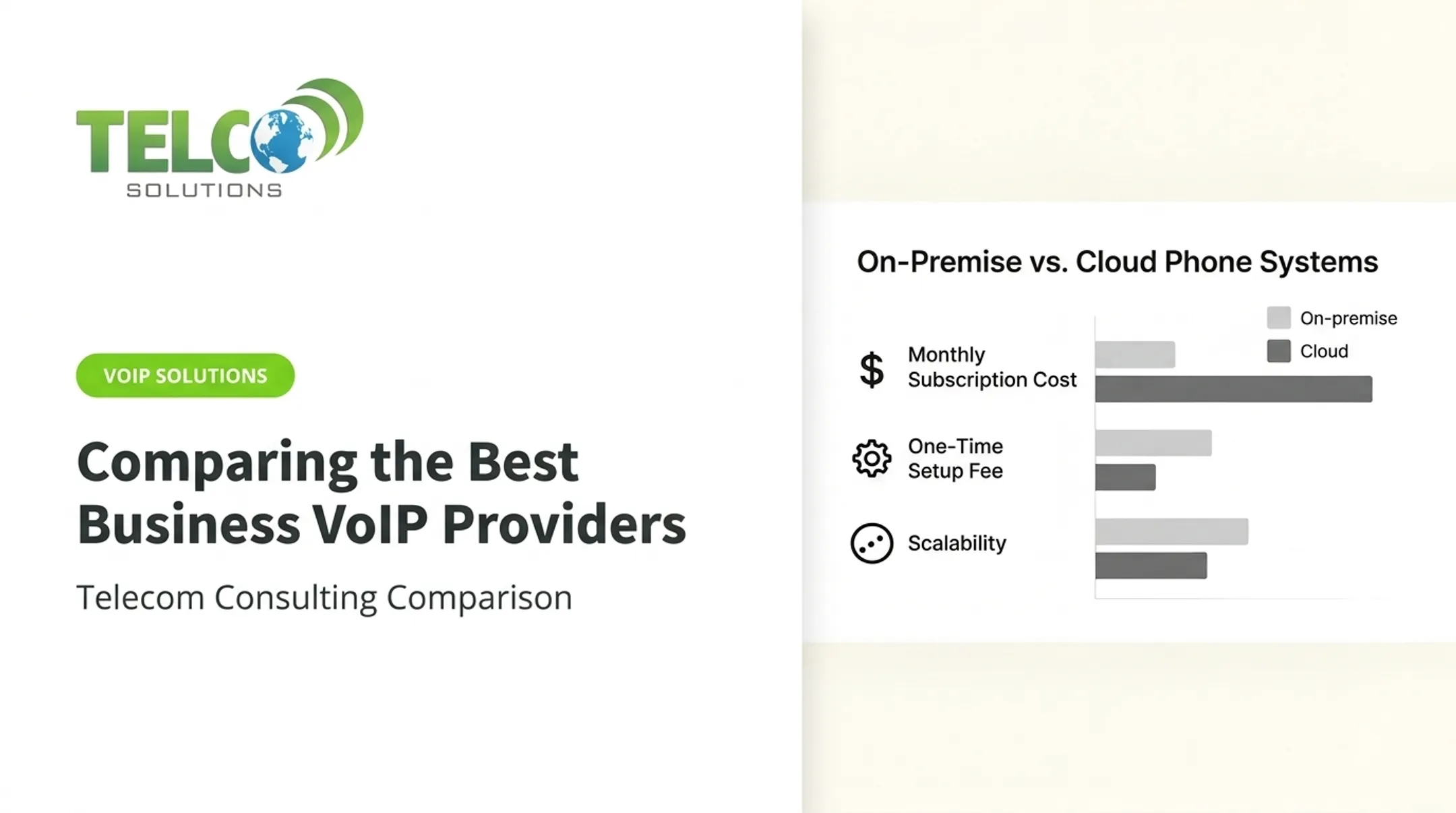
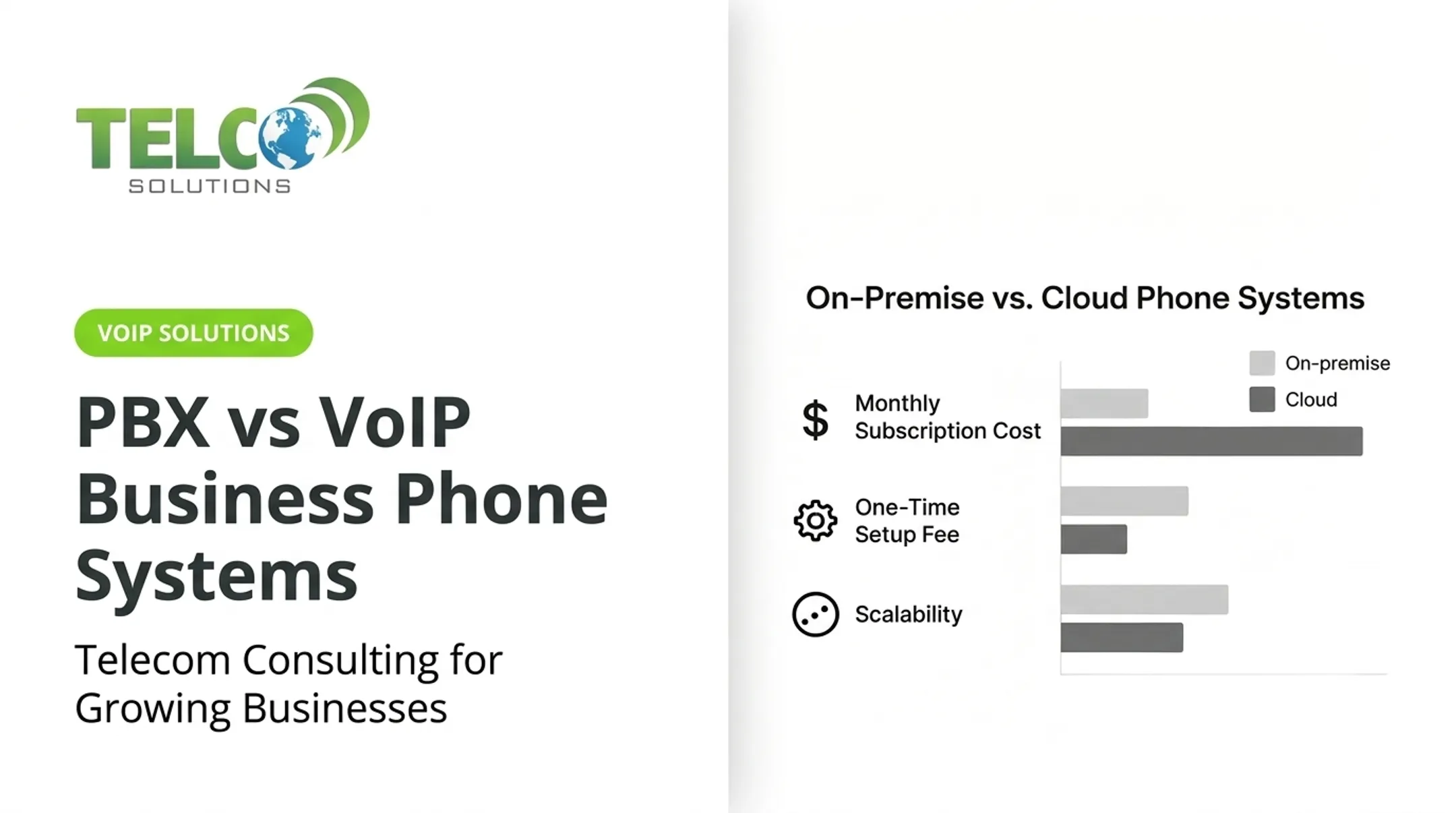
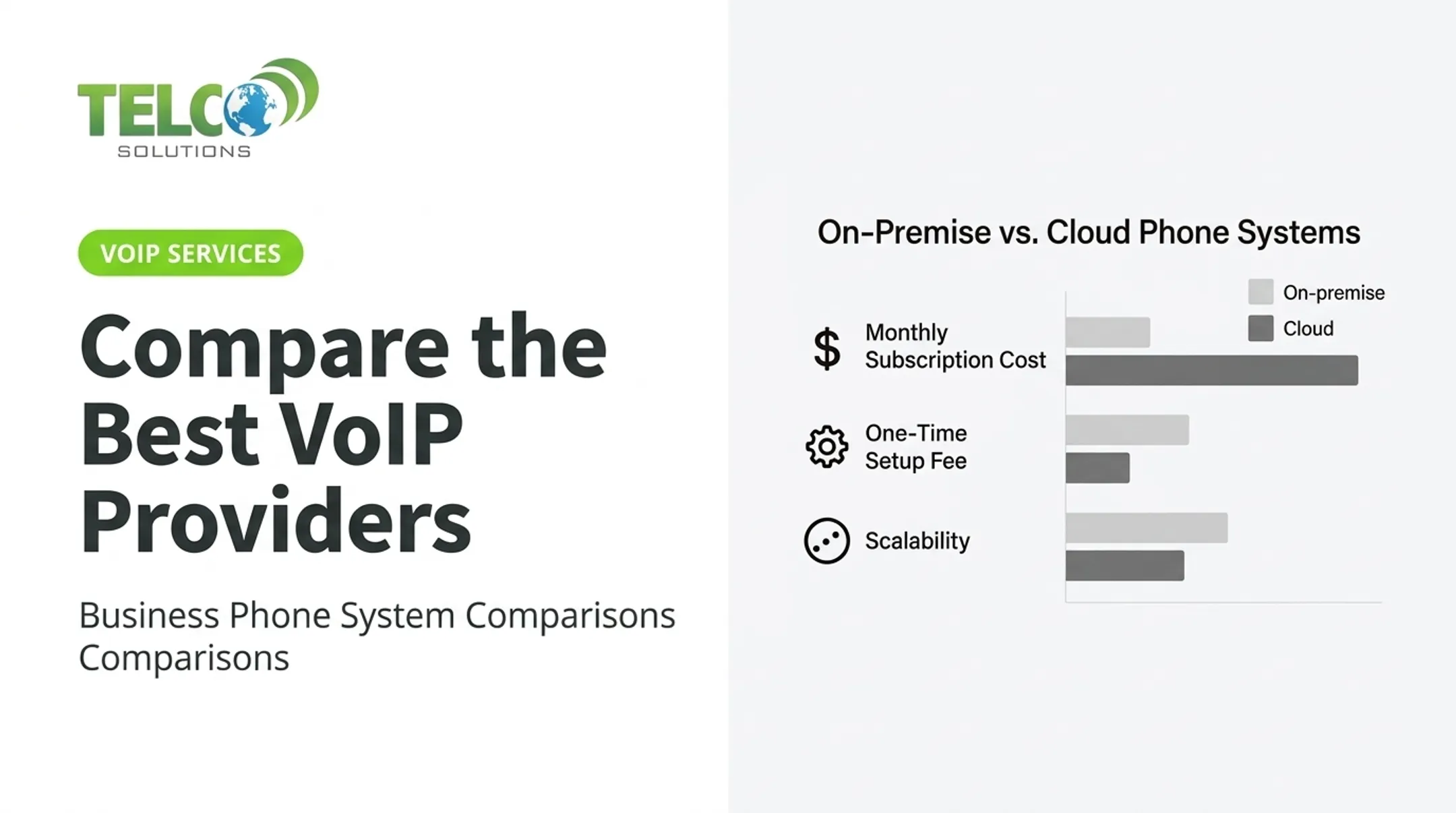
Businesses commonly see 50% to 75% reductions in monthly phone expenses after switching to hosted VoIP. Taxes and regulatory surcharges can still add 5% to 20% on top of the advertised rate, and international minutes or hardware rentals often bill separately.
Landline spend starts higher. Initial PBX hardware for a 50-employee office can run $10,000 to $20,000, before installation fees, maintenance contracts, and service calls that can cost hundreds each visit.
Setup and Equipment
VoIP setups typically include:
- Hosted or cloud phone platforms billed per user
- IP phones, softphone apps, or mobile apps
- Routers and adapters (SIP trunking can even connect existing PBX hardware to the internet)
Landline setups rely on physical infrastructure:
- Copper cabling, wall jacks, and desk phones
- On-premises PBX or key system for multi-line offices
- Technician visits for adds, moves, and changes
Mobility and Remote Work
VoIP calls follow the user, not the desk. An employee can answer the same business number from a laptop in another city, a mobile app between meetings, or a desk phone at headquarters. Landlines stay tied to the desk phone, so remote workers are left with call-forwarding workarounds at best.
Features and Integrations
VoIP platforms typically bundle auto-attendants, call queues, voicemail-to-email, business texting, conferencing, and direct CRM or help-desk integrations.
Landline systems generally cap out at caller ID, call waiting, forwarding, and basic voicemail. Anything more sophisticated usually means expensive add-on hardware.
Reliability, Security, and Emergency Calling
Landlines don't depend on your office internet connection, an advantage during broadband outages. But they're still vulnerable to physical line damage, aging copper, and limited built-in security.
VoIP depends on stable internet and power. Calls can degrade from latency, jitter, or packet loss if the network isn't set up correctly.
On the emergency side, federal rules under Kari's Law and RAY BAUM's Act require multi-line phone systems to support direct 911 dialing with location notification. Every VoIP extension needs an accurate, regularly audited address on file.

What Is VoIP?
Voice over Internet Protocol converts your voice into digital data and sends it over an IP network instead of a traditional analog line. The FCC describes VoIP as technology that lets you make calls using a broadband connection rather than a regular phone line. Interconnected VoIP services can still reach and receive calls from the standard phone network.
Common deployment types include:
- Hosted or cloud VoIP (provider manages everything)
- On-premises IP-PBX (you manage the hardware)
- SIP trunking (connects existing PBX hardware to the internet)
- Analog telephone adapters for older handsets
- Dedicated IP phones and softphone apps
What You Need to Run It Well
A working VoIP setup needs:
- A stable internet connection
- Business-grade routers with Quality of Service settings
- Power for the network gear
- Compatible phones or apps
- A way to prioritize voice traffic over other data
Done right, VoIP lets employees work from multiple locations and lets admins add or remove users without a technician visit. One system can handle voice, messaging, and conferencing together. A Georgia law firm with an aging PBX, for example, can modernize through a phased migration rather than a single disruptive cutover.
Be honest about the tradeoffs, too:
- Call quality suffers without a solid internet connection
- Power or internet outages can take phones offline
- Older devices may need adapters or replacement
- E911 addresses require ongoing management
- Staff need brief training on new apps and features
What Is a Landline?
A traditional business landline, often called POTS (Plain Old Telephone Service), runs over physical copper cabling and connects through the Public Switched Telephone Network. It's distinct from both mobile service and VoIP delivered through a regular-looking handset.
Businesses typically connect multiple extensions through individual lines, a key telephone system, or an on-premises PBX. Exact terminology and available services vary by carrier and region.
Where landlines still hold up:
- Familiar, no-training-needed operation
- Stable calling that doesn't depend on office internet
- Continuity during certain power or broadband outages
Where they fall short:
- Physical installation and slower expansion
- Little to no mobility beyond the desk phone
- Aging equipment with fewer available repair technicians
- Minimal integrations compared to modern platforms
When a Landline Still Makes Sense
A copper line can be the right call for locations with unreliable broadband, or for teams that want a completely separate emergency fallback. Before canceling service, check what's already wired into a dedicated analog line.
Fire alarm panels, elevator emergency phones, and certain security systems are often required by local code to run on a line independent from the building's internet and electrical grid.

The FCC requires phone companies to get approval and offer adequate replacement service before retiring copper voice lines. That means existing landline customers generally aren't losing service overnight, even as providers shift new customers toward IP-based alternatives.
VoIP vs Landline: What Is Better?
There's no universal winner here. The right answer depends on your priorities: cost, call quality, internet resilience, scalability, mobility, security, and how your business handles emergencies.
Weigh the Full Cost, Not Just the Sticker Price
Model total cost of ownership over your expected contract term, including:
- Installation and hardware (phones, PBX, or adapters)
- Internet service or upgrades needed to support voice traffic
- Monthly per-user or per-line fees, plus international calling
- Maintenance, licensing, and number-change fees
- Backup power and downtime risk
Match the System to Your Situation
- Choose VoIP if you support remote or hybrid work, run multiple locations, hire often, or need integrations and reporting that scale with headcount.
- Consider a landline if broadband is unreliable, you need a path independent of internet, or your team only needs simple fixed-location calling.
- Consider a hybrid setup if VoIP handles daily work but you still need backup for outages, a critical reception line, or a site with spotty connectivity.
Migration Checklist
Before switching, run through this list:
- Assess your network's bandwidth and readiness for voice traffic
- Inventory every phone number and confirm porting timelines
- Validate E911 addresses for each user or device
- Check fax, alarm, and other equipment compatibility
- Design call flows and routing before go-live
- Set up backup power and mobile failover
- Confirm cybersecurity controls are in place
- Train employees and test thoroughly
- Keep the old service active until the new system is confirmed working
Choosing a Provider
Look for transparent billing, hands-on porting and implementation support, real security expertise, and clear service commitments, not just a generic feature list. TelcoSolutions works with a network of more than 300 telecom and internet providers to match businesses with tailored VoIP and internet solutions, then handles implementation, billing, and ongoing support. If you're comparing options, a business-specific assessment is more useful than a generic feature sheet.
A Real-World Migration
Once you pick a path, execution matters as much as the technology. A nine-person Minneapolis creative agency was running an aging on-premises PBX paired with an oversized 23-channel PRI line. Remote work support was limited, and the setup cost more than the team needed.
The agency moved to a nine-user cloud phone system with smartphone and desktop apps, a 24/7 auto-attendant, and a shared staff directory. Employees were trained on the new apps before numbers were ported, and the legacy PBX hardware was removed only after the new system was confirmed working. The result: a right-sized service, lower telecom spend, and minimal disruption during the switch.

When remote access and cost control matter more than keeping legacy hardware, a staged VoIP migration with careful number porting can stay close to seamless—if you plan the cutover the same way you plan the purchase.
Conclusion
VoIP tends to win for businesses that need flexibility, remote access, integrations, and modern call management. Landlines still earn their place in fixed-location operations, low-connectivity areas, or as a backup line for critical moments.
Match the system to total cost of ownership, network readiness, continuity needs, and the equipment you already run.
Before you port a number or cancel service, line up:
- Current monthly spend versus projected VoIP or landline costs
- Uptime and failover requirements at each site
- Remote work, multi-location, and integration needs
- Contract terms, number porting, and cutover risk
TelcoSolutions can run that side-by-side assessment across 300+ providers so you choose on clear numbers, not a guess.
Frequently Asked Questions
Is VoIP cheaper than a landline for business?
Often, yes. VoIP can cut infrastructure, long-distance, and scaling costs significantly. For a true total-cost comparison, still factor in internet upgrades, hardware, backup power, and provider fees.
Is VoIP as good as a landline for business?
VoIP typically wins on features, flexibility, and scalability, while landlines offer simpler, fixed-location reliability. Call quality with VoIP depends heavily on your internet stability and network setup.
Should I switch from a landline to VoIP for my business?
Switching makes sense if you need mobility, scalability, or better features and have reliable internet. Before you do, confirm number porting, E911 setup, network capacity, equipment compatibility, and a backup plan.
What is the best telephone system for a small business?
Most small businesses with reliable internet, multi-user calling, and growth plans do better with VoIP. A landline can still fit a single-location shop that wants simple desk phones and minimal network dependency.
Why choose VoIP over a mobile phone for business?
VoIP gives you a dedicated business number, centralized administration, professional call routing, shared team access, and integrations that a personal mobile plan simply doesn't offer.
Can I use my existing landline phones with VoIP, or do I need special equipment?
Some traditional phones work through a compatible analog telephone adapter or gateway. Other setups need IP phones or softphones, so check device compatibility with your provider before migrating.